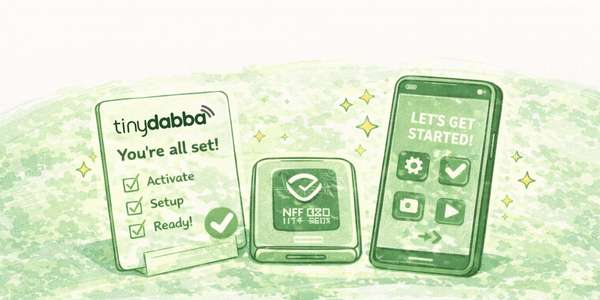

Use this card to open your social profiles or website
How to set up your card
Step 1: Open the setup page
Scan the QR code on your card or visit: portal.tinydabba.com
Step 2: Login
Login using your mobile number and OTP.
No app is required.
Step 3: Add your link
Add the link you want your card to open.
Example: Instagram, Facebook, WhatsApp, Website, YouTube, etc.
Want to add more than one link?
Multiple links depend on product type
• Some cards support only one link
• Combo or all-in-one cards support multiple links
You can check available options inside your dashboard.
Common issues & solutions
NFC not working?
• Make sure NFC is turned ON in phone settings
• iPhone: tap on the top side of the phone
• Android: tap on the back/center of the phone
• Keep the phone unlocked
QR code not scanning?
• Clean the card surface
• Increase screen brightness
• Try Google Lens or camera app
Link opened is old or wrong?
Update the link in the dashboard, tap Save / Update,
then wait a few seconds and try again.
Important information
You can change links anytime
There is no limit on updates. You can change or replace
your social or website link whenever required.
No Google review link on this card
This card is meant for social media or website links only.
If you want Google reviews, a Google Review card is required.